FileMaker AI Should Start With Review Queues, Not Chatbots
Why practical FileMaker AI work starts with exception briefs, approvals, and guarded write-back rules before anyone builds a chatbot.
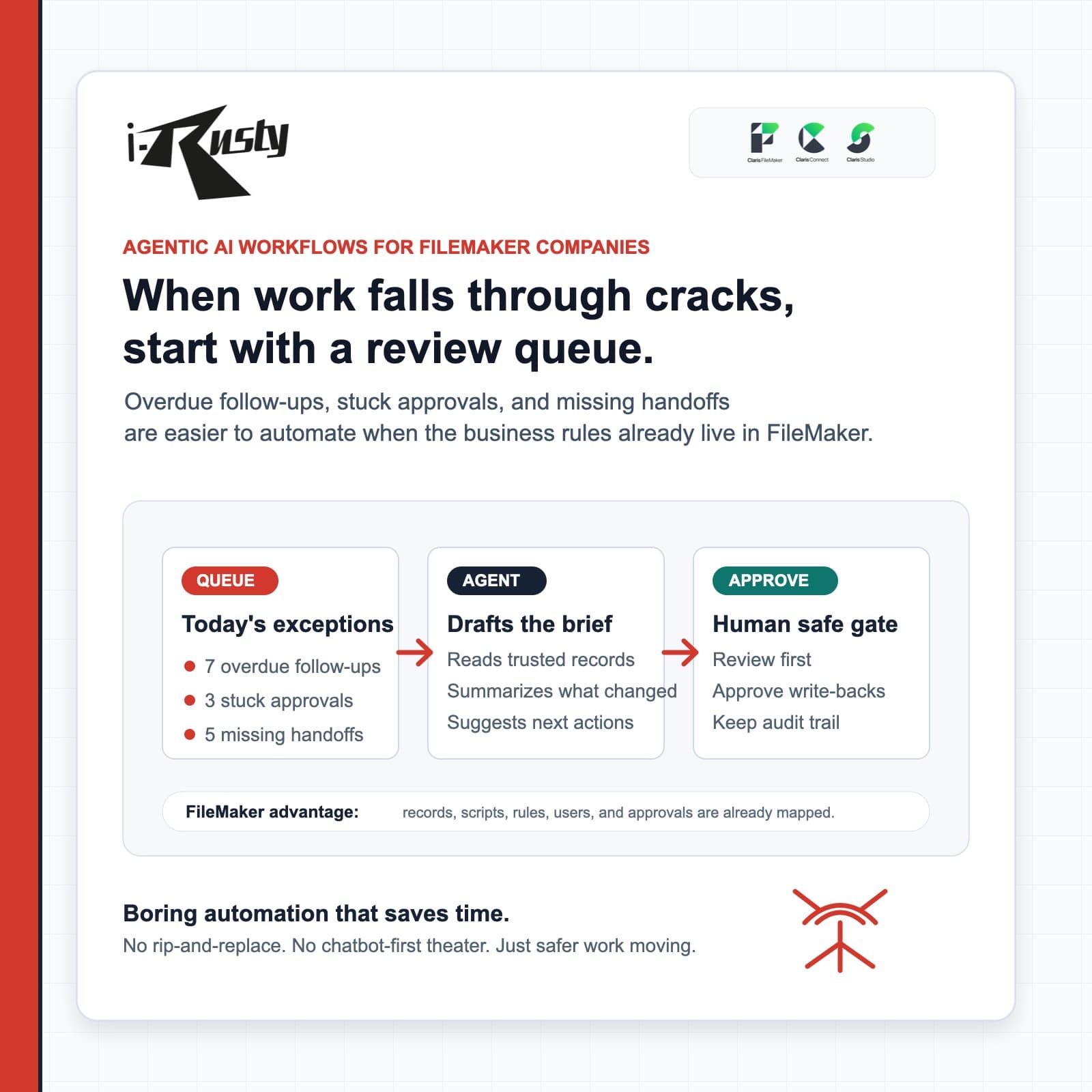
The useful AI entry point is boring on purpose
Most small businesses do not need a chatbot sitting beside FileMaker. They need a cleaner way to see what changed, what is overdue, what is missing, and what should be reviewed before the day turns into cleanup.
That is why the first useful FileMaker AI project is usually a review queue. The agent can read trusted records, summarize exceptions, draft follow-ups, and prepare next actions while a human still approves anything important.
FileMaker already contains the operating map
A mature FileMaker system usually knows the customers, orders, approvals, scripts, layouts, privilege sets, and business rules. That context is exactly what an AI workflow needs before it can be useful.
Instead of replacing the database, iRusty starts by mapping the existing system and deciding where AI is allowed to read, draft, flag, summarize, and stop.
Guardrails are what make the automation valuable
The difference between a risky demo and a useful agent is the boundary: what data it can touch, what it may draft, who approves it, and where the audit trail lives.
For FileMaker teams, that means practical wins like overdue-work briefs, stale-follow-up lists, missing-data checks, exception dashboards, and approval queues before autonomous write-backs.
If your FileMaker system already runs the business, iRusty can help turn it into a guarded AI workflow instead of bolting on another generic chatbot.
Talk to iRusty