Before FileMaker AI Writes Back, Build the Approval Log
A practical way to modernize FileMaker with AI: start with approval logs, review queues, and exception notes before allowing automated write-backs.
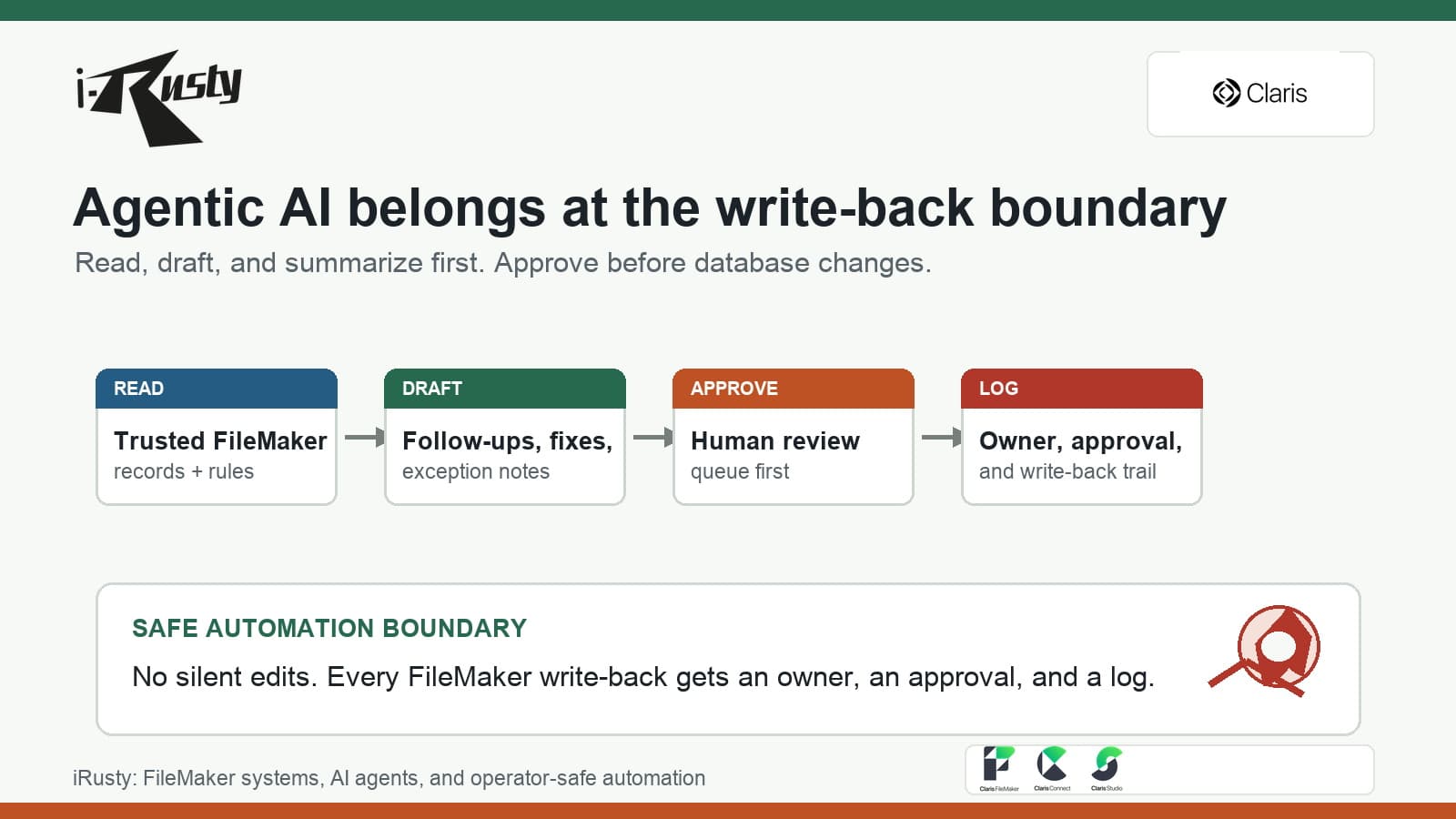
The approval log is the safest first automation surface
The tempting FileMaker AI demo is a system that reads a record, decides what should happen, and updates the database automatically. That is also where a useful project can become risky fast.
A better first step is an approval log. Let the AI draft the proposed action, explain why it thinks the record needs attention, show the source records it used, and wait for a human to approve, revise, or reject the change.
FileMaker teams already understand the pattern
Most long-running FileMaker systems already have some version of this in human form: a manager reviews exceptions, a coordinator checks stale follow-ups, an operator confirms missing data, or an admin approves the final status change.
The AI workflow should not erase that judgment. It should make the review work easier by grouping exceptions, drafting notes, surfacing missing context, and keeping the reason for every proposed write-back visible.
A useful log captures more than the final answer
For FileMaker modernization, the approval log should capture the record, proposed action, source fields checked, confidence or risk notes, reviewer, decision, timestamp, and final write-back result.
That gives the business something more valuable than a black-box automation. It creates an operating record that can be audited, improved, and used to decide which automations are safe enough to graduate from draft-only to supervised write-back.
This is where reporting automation and AI meet
Exception briefs tell the team what needs attention. Review queues organize the work. Approval logs preserve the decision trail. Together, they form a practical FileMaker AI foundation that helps real operations without pretending the database no longer needs controls.
iRusty usually starts here because the business gets value quickly: fewer missed follow-ups, clearer handoffs, better daily review lists, and a safer path toward deeper automation later.
If your FileMaker system needs AI help but cannot risk silent write-backs, iRusty can help design the review queue, approval log, and first guarded workflow.
Talk to iRusty